
OCR contracts directly with certain Case Consultants called "Managing Case Consultants" in CARES. (For an overview of this program, please consult the CC Center on OCR's website.) However, the majority of "Case Consultants" throughout the state are employed by or contract with an OCR attorney and are members of the appointed attorney's Office in CARES. If you're unsure, the easiest way to identify your persona in CARES is to navigate to User Settings > My Office. Read below for more on how such roles function differently in CARES (effective 1/20/22).
Member of Appointed Attorney's Office (most common)
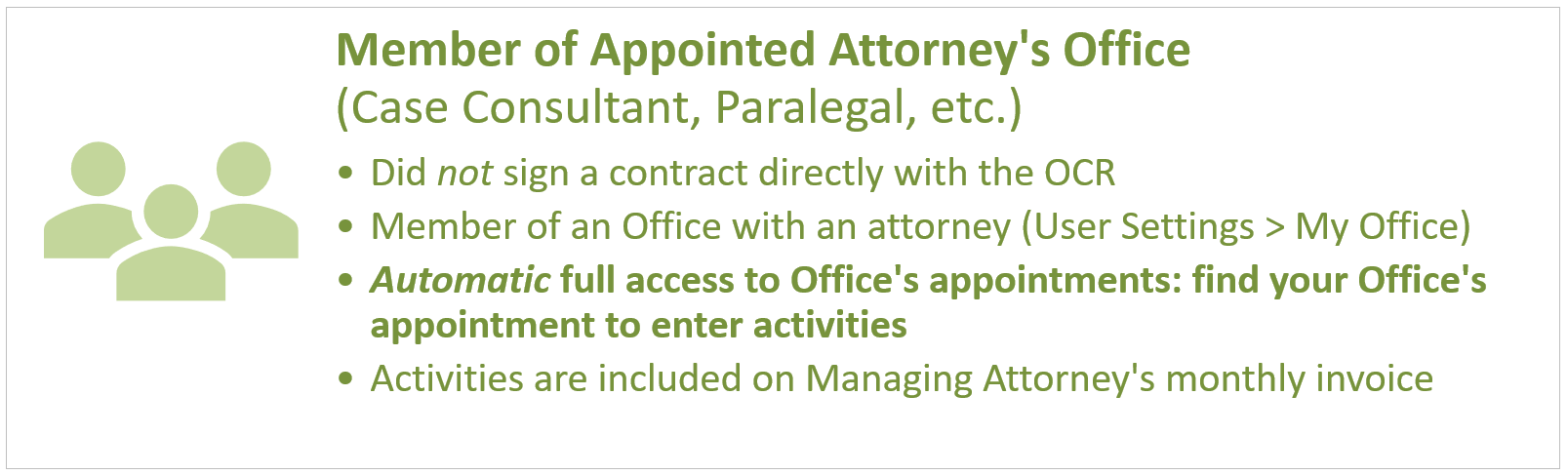
If you have not signed a contract directly with the OCR, you are a member of an attorney's office. To confirm this, do the following: log into CARES and navigate to User Settings > My Office. You will see your name and at least one attorney in the office. (You may have multiple CARES accounts if you work for multiple attorneys--you can check the same thing in each account.) Therefore, you automatically have access to all cases to which that attorney is appointed. See My Appointments Screen for help finding your office's appointments. Once you do, add your activities to your office's appointments. Every month, an attorney in the office generates an invoice and submits it to OCR; it includes your activities for that office.
OCR-Contracted Case Consultant
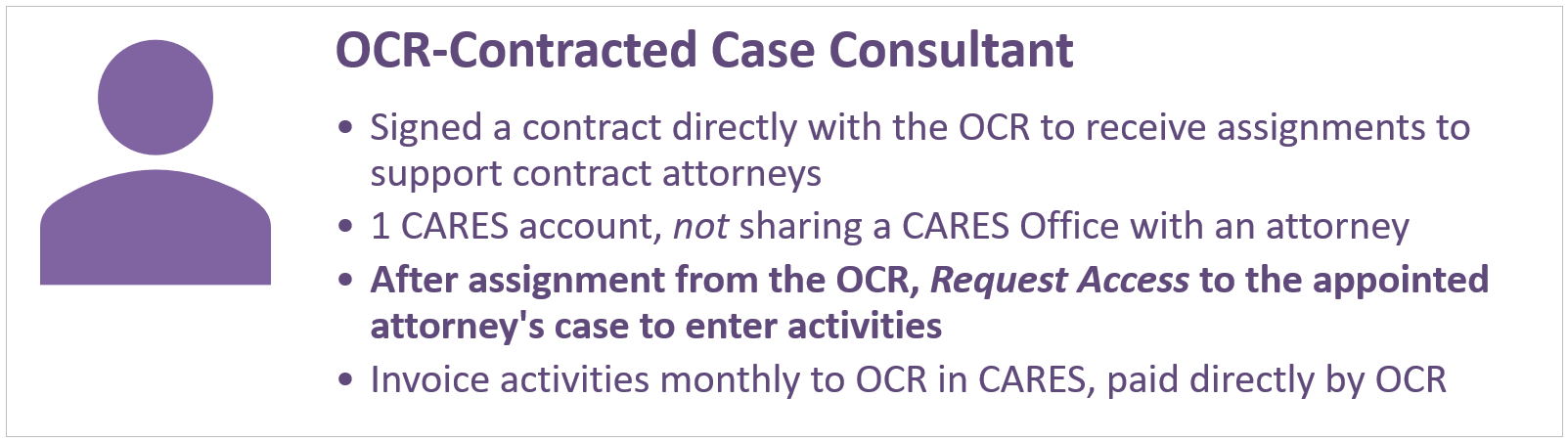
If, on the other hand, you have signed a contract directly with the OCR, you have your own office in CARES. To confirm this, do the following: log into CARES and navigate to User Settings > My Office. You will see your name with a "Managing Case Consultant" persona, and there will not be an attorney in the office. Every month, generate your own invoice and submit it to OCR; it includes your activities across all appointments to which you have access.