
Any time you create an activity, a "Billable" dropdown defaults to "Yes" (meaning the activity will appear on your invoice as usual). If you change this dropdown to "No," a required checkbox appears at the bottom of the activity to make sure you intend to enter this activity as non-billable (pictured below), meaning it will not appear on your invoice. The Save buttons will not be available until you check this box on the bottom to confirm the non-billable status:
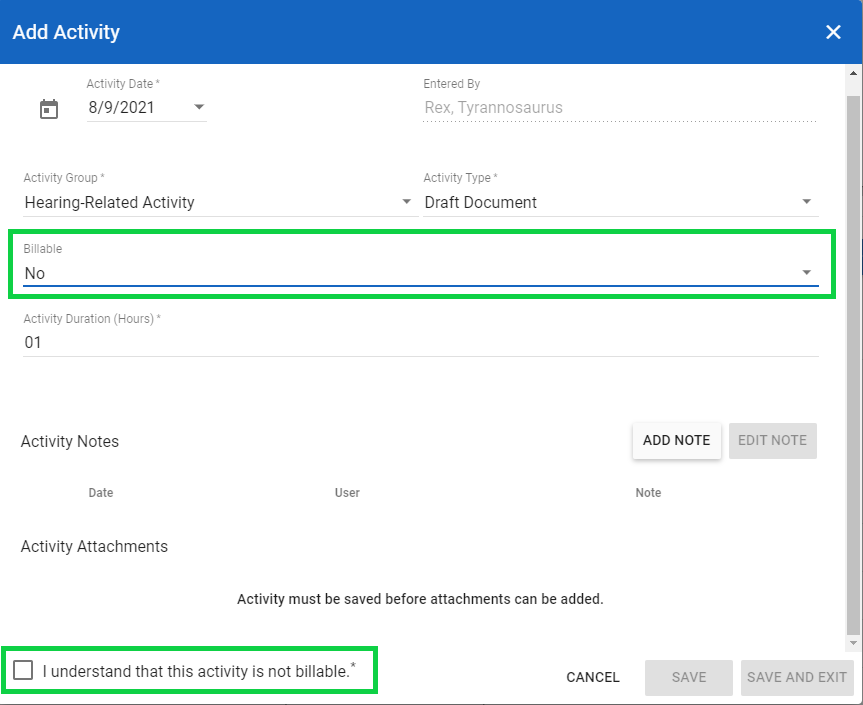
If you meant to enter a billable activity, change the "Billable" dropdown to "Yes," and the confirmation checkbox at the bottom will disappear.