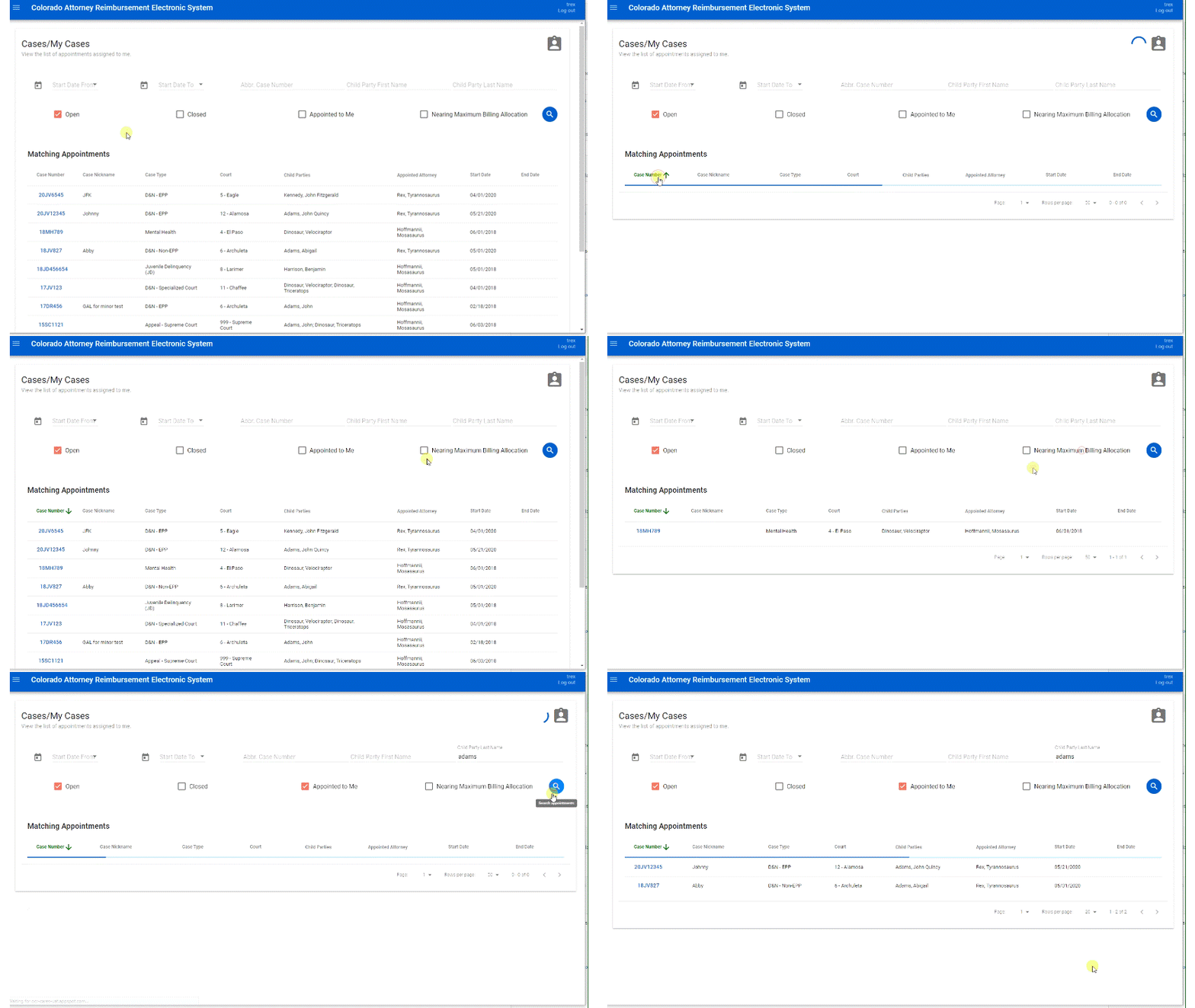
Information is most often presented in tables in CARES. Examples include the My Appointments table and the Activities table. Most tables feature search/filter options above the table. You can click on most column headers to sort the contents by that column in ascending order. Click again to sort in descending order.
At the bottom-right of every table, you will see "Rows per page" and other options to view rows or pages that do not fit on the current screen. Use these to move between pages of data or to display more data at once.
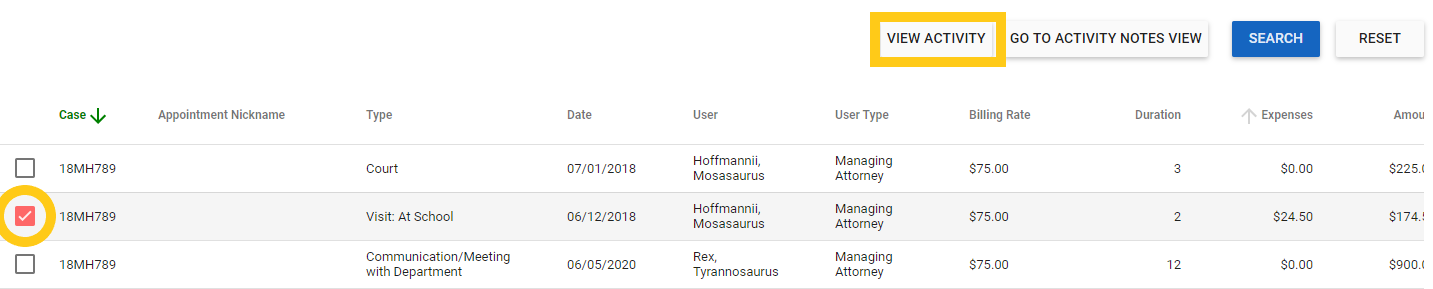
When you see a checkbox next to a row in a table, checking the box will make additional buttons available for that row's data. For example, checking the box beside an existing activity activates a button to "View" its details: